Breach monitoring · Desktop app
Enhanced HIBP Checker
A Python desktop app that checks email addresses and usernames against the Have I Been Pwned breach database, checks whether a password has appeared in known breaches without ever sending it, and gives prioritized security advice from an AI model running locally through Ollama. Any installed model works. I recommend Google's Gemma 4 E4B, which gave the most accurate advice when I tested five models on an account found in three breaches.
- Python
- PyQt6
- HIBP API
- Pwned Passwords
- Ollama
- keyring
Screenshots
1 / 4
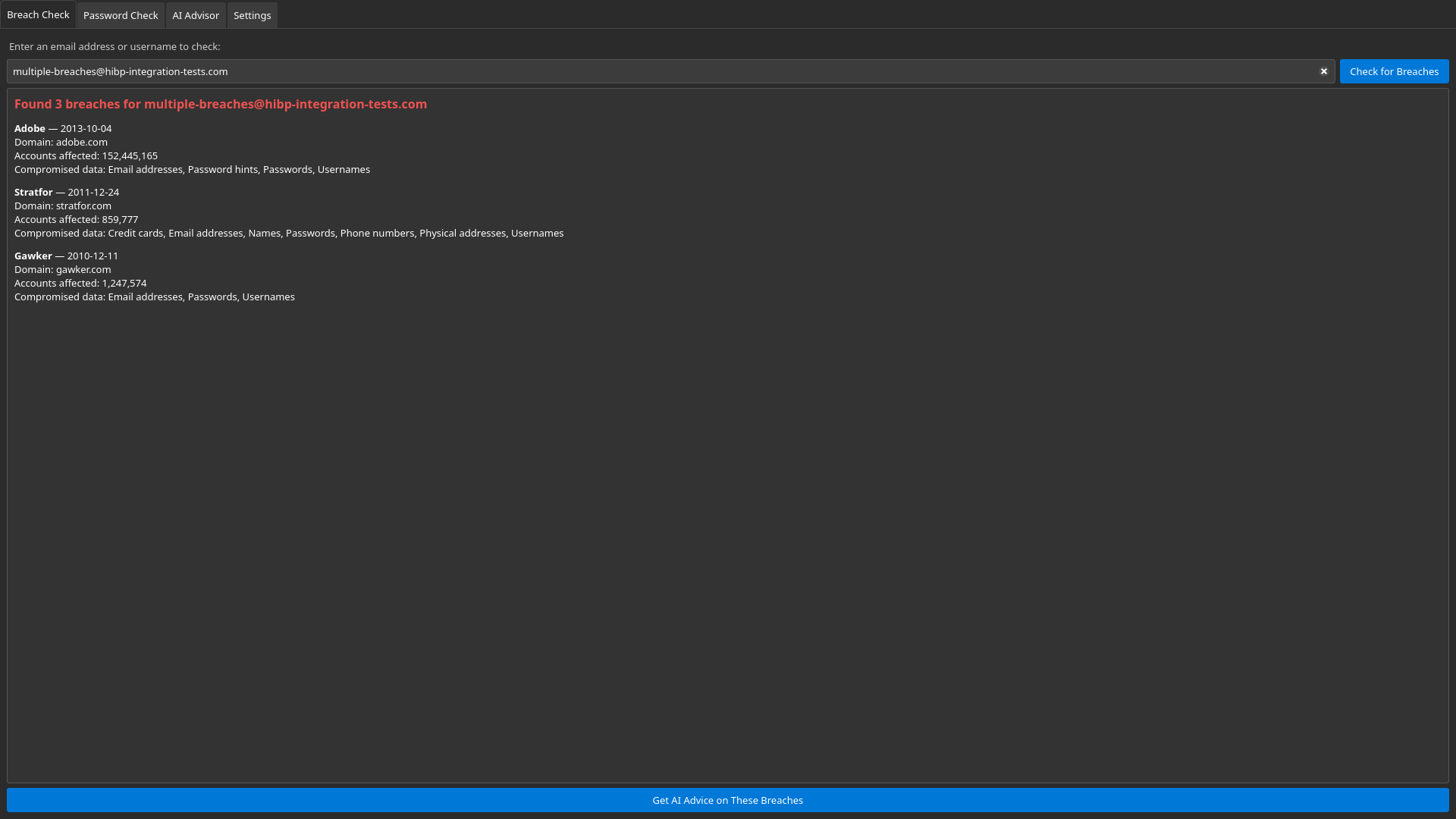
Breach check
HIBP's test account [email protected]: three breaches, with when they happened, how many accounts were affected and what data was exposed. One click sends the results to the AI Advisor.
2 / 4
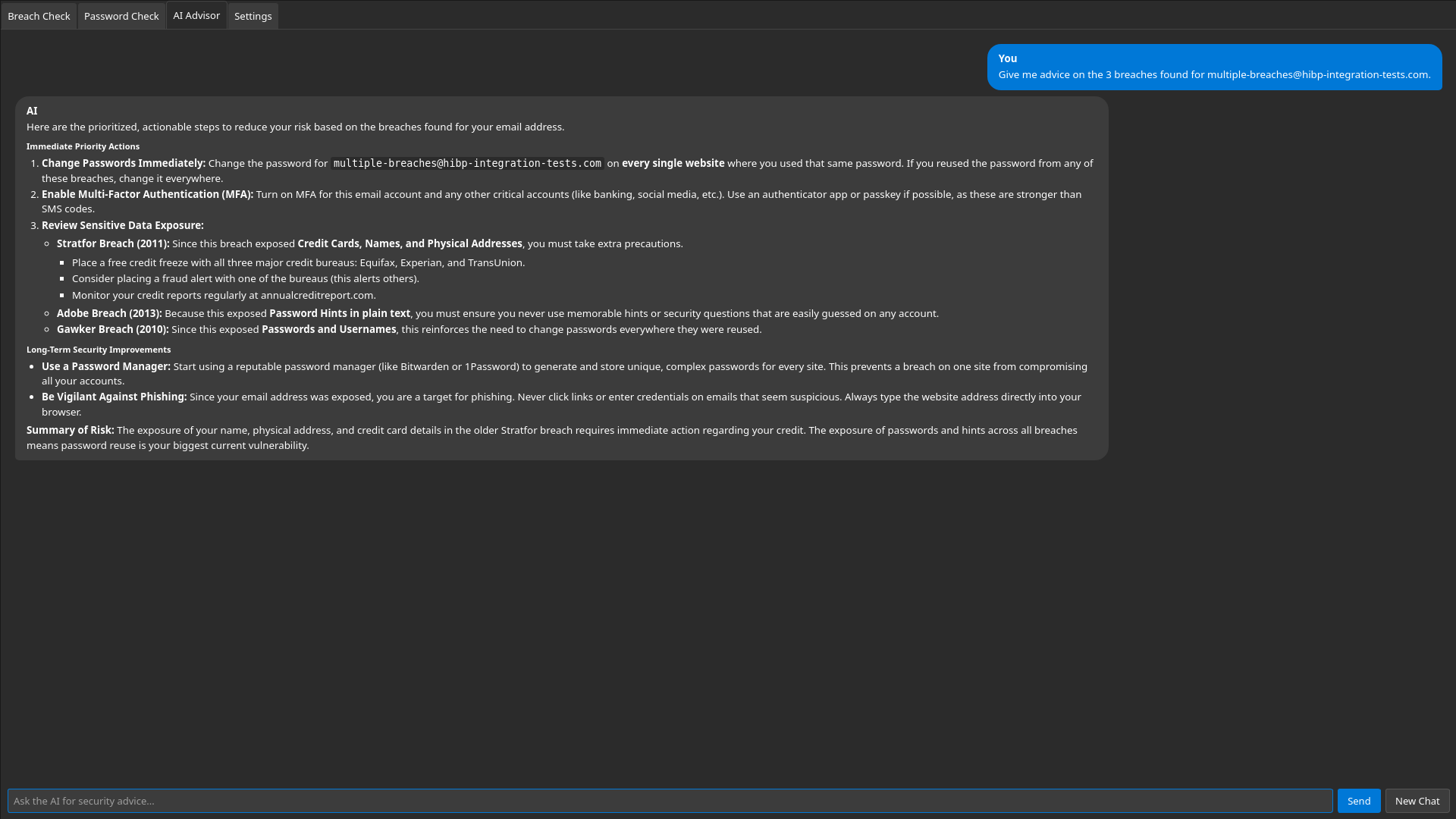
AI Advisor
One click sends the breach results to a local AI model. Its advice starts with changing reused passwords and turning on multi-factor authentication, then covers what each breach exposed, with extra steps for the one that exposed credit cards and home addresses.
3 / 4
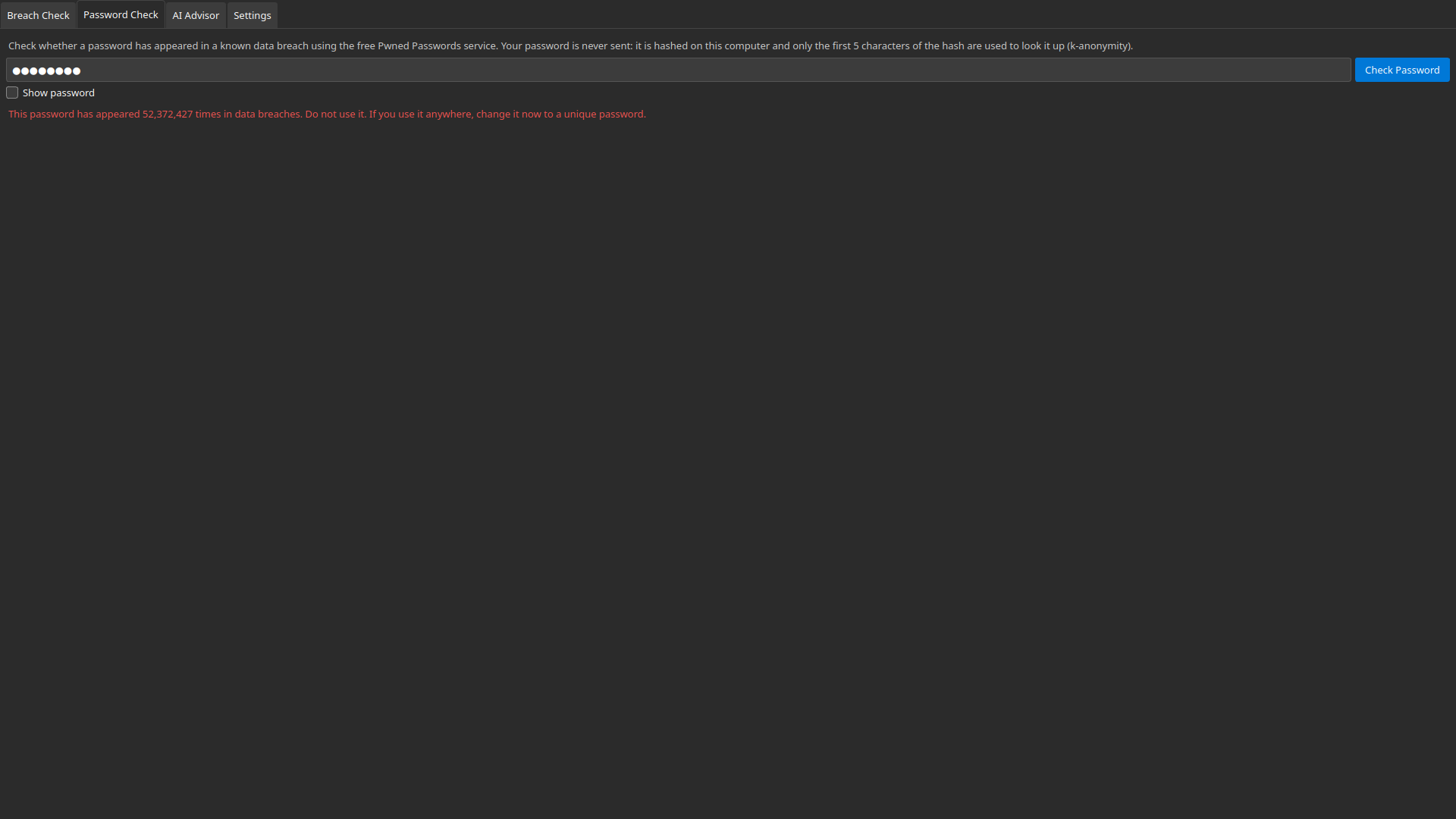
Password check with k-anonymity
Checking the password “password”: it has appeared 52,372,427 times in breaches. Only the first 5 characters of its SHA-1 hash are sent, with response padding, so the password itself never leaves the computer.
4 / 4
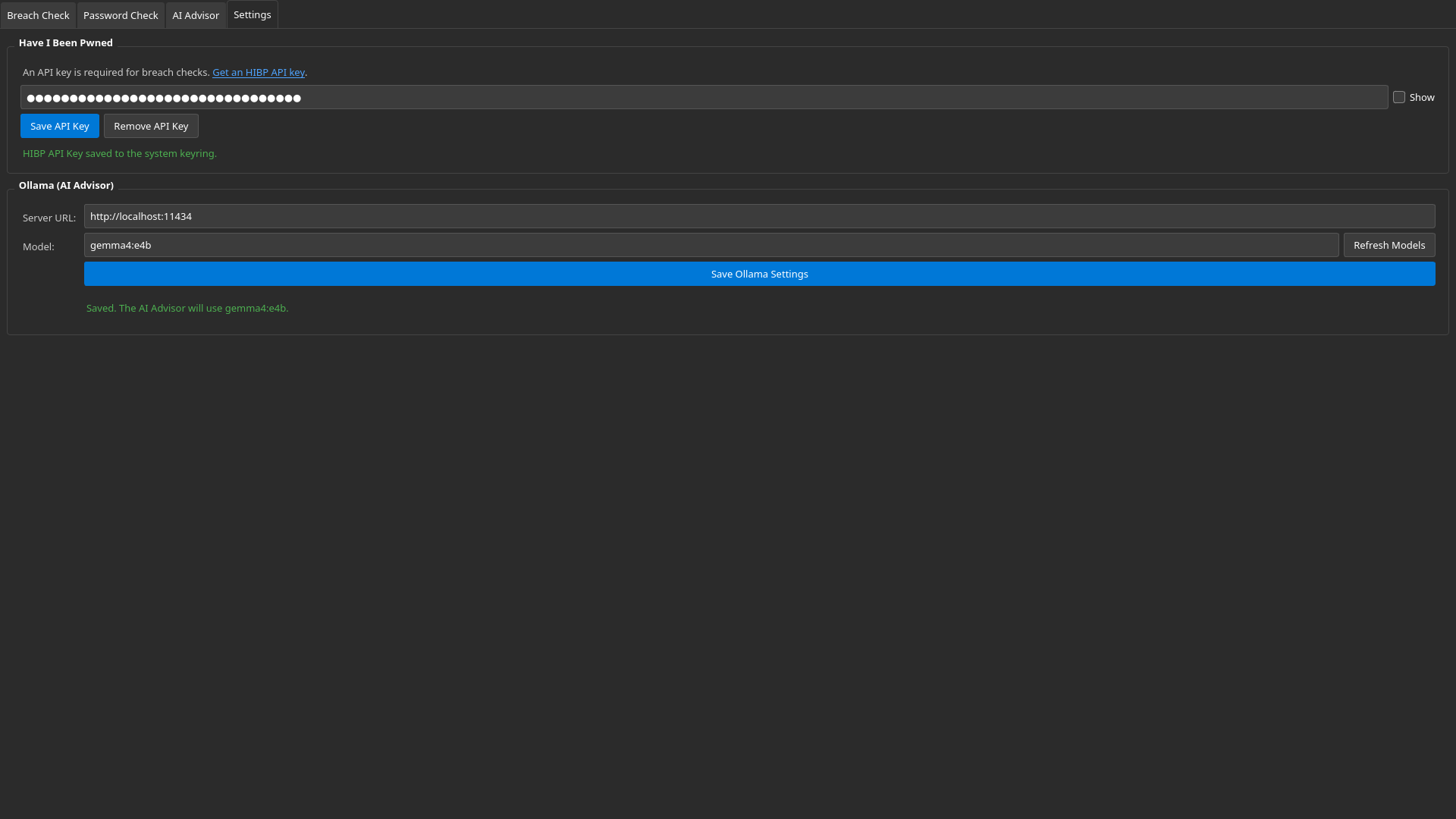
Settings
The HIBP API key is saved to the operating system's keyring and shown masked. The AI Advisor talks to an Ollama server on your own computer by default.
The breach check uses one of HIBP's official test accounts and its public test API key. The advice comes from gemma4:e4b running locally in Ollama. Click a screenshot to open it full size. Use the arrows, or select the gallery and press ← →.
How it works
- Breach Check: looks up an email address or username with the HIBP API and lists each breach, its date, the number of accounts affected and the kinds of data exposed.
- Password Check: hashes the password with SHA-1 on your computer and sends only the first 5 characters to Pwned Passwords, then matches the rest of the hash locally.
- AI Advisor: chats with a model running in Ollama, gives prioritized advice for your breach results, remembers the conversation, streams responses and can be stopped at any time.
- Responsive UI: every network request runs in the background, so the window never freezes.
Security decisions
- Passwords never leave the machine. Only a 5-character hash prefix is sent, with padding enabled, and passwords are never sent to the AI.
- API key in the OS keyring. The HIBP key is stored in Windows Credential Manager, macOS Keychain or Linux Secret Service, never in plain text, and is masked in the UI.
- Local AI by default. Conversations go only to the Ollama server set in Settings, which is your own machine unless you change it.
- Safe chat rendering. Model output is HTML-escaped before formatting, and the chat page has a strict Content-Security-Policy, so output can't run scripts or load remote content. A test feeds the renderer hostile input to check this.
- No silent HTTPS interception. If something like a proxy or antivirus breaks the certificate check, the app refuses the connection and says why.
- Model chosen by testing. Five models were compared on the app's real job on a CPU-only laptop. The recommended one gave the most accurate advice, putting the breach that exposed credit cards and addresses first, while one alternative misstated what a breach exposed.