Authentication · Desktop app
2FA Authenticator App
A desktop two-factor authentication app for Time-based One-Time Passwords (TOTP), built in Python with CustomTkinter. Your secrets are encrypted with a key that only your PIN or password can unlock, then stored in the operating system's keyring.
- Python
- CustomTkinter
- cryptography
- AES-256-GCM
- scrypt
- keyring
- OpenCV
Screenshots
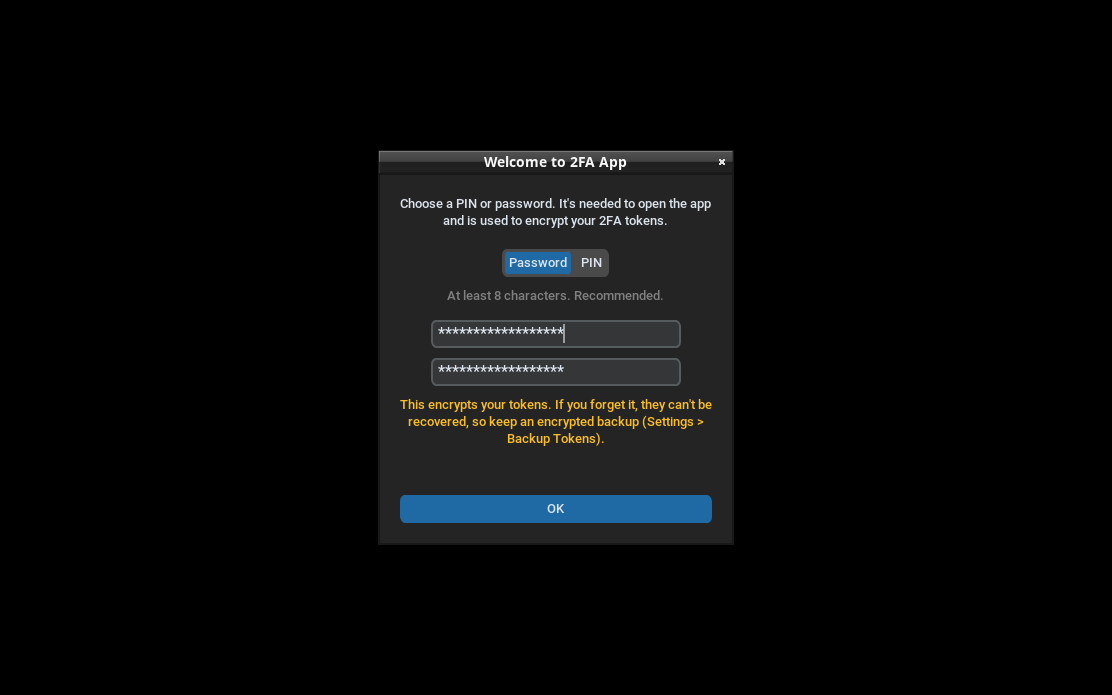
1 / 6
First launch
You choose a password (8+ characters, recommended) or a PIN (6+ digits). It encrypts your tokens, so the app warns that it can't be recovered and points you to encrypted backups.
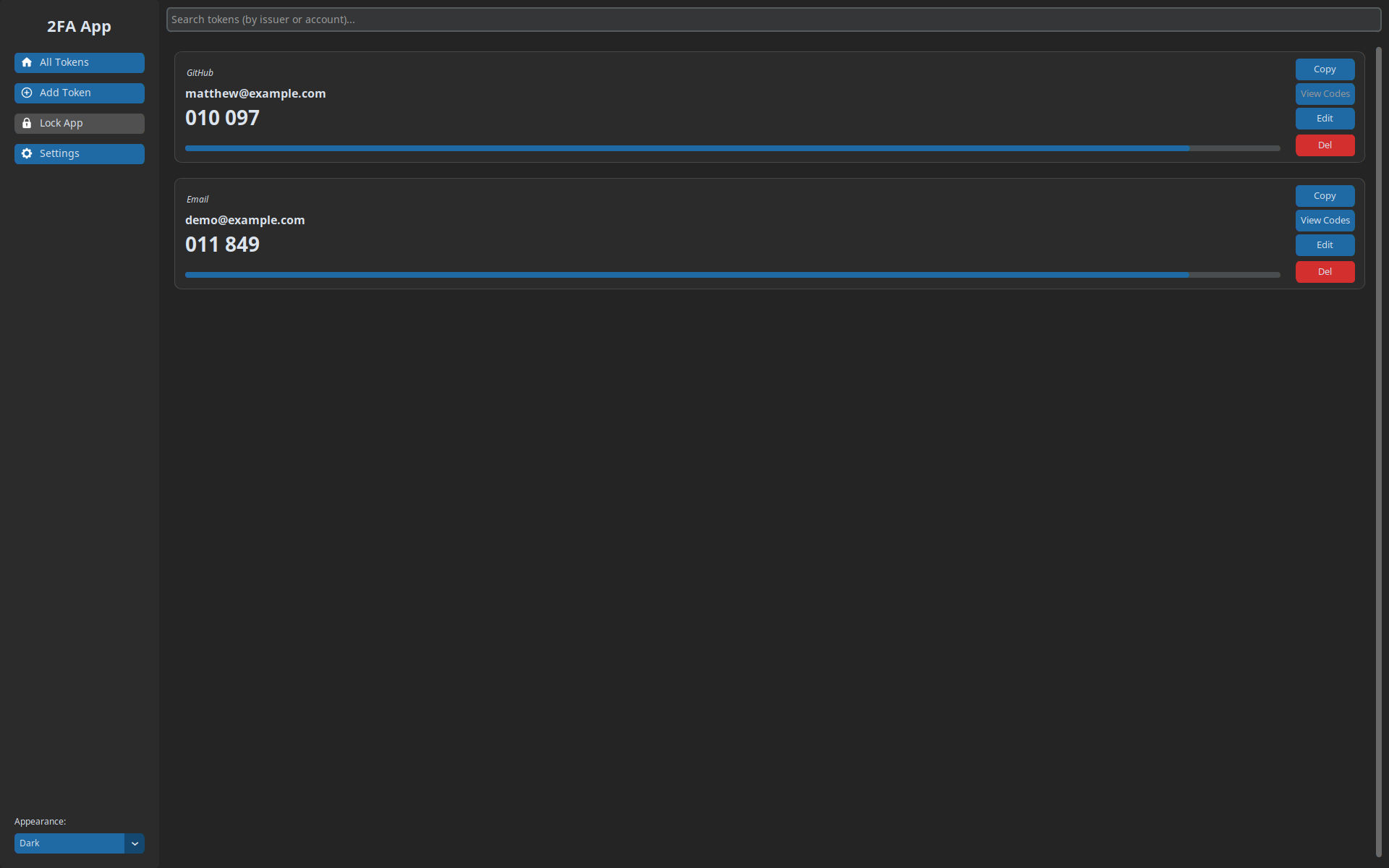
2 / 6
Your tokens
Live codes with countdown bars, plus search, edit and stored recovery codes. Copied codes are cleared from the clipboard after 30 seconds, or right away when the app locks.
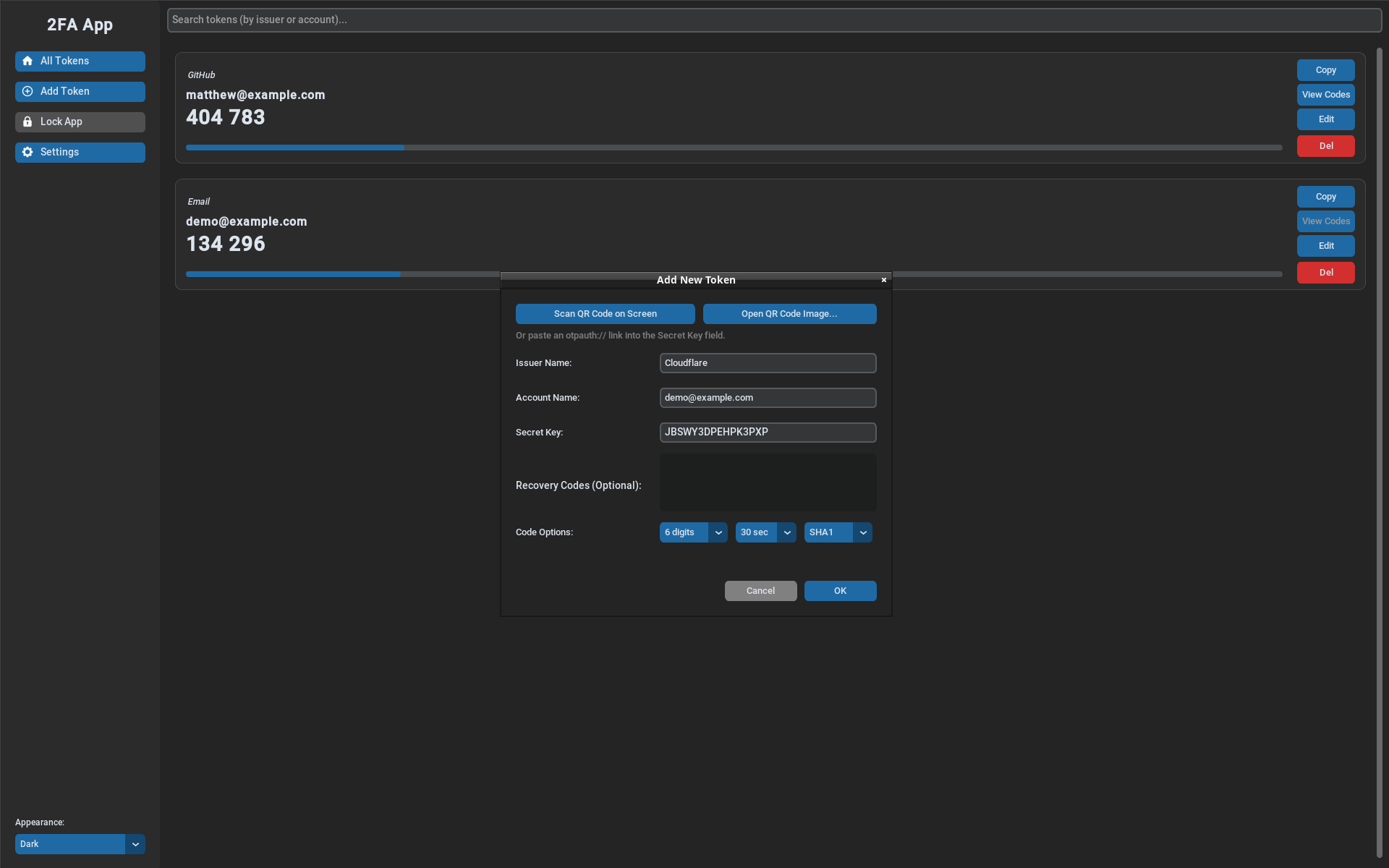
3 / 6
Adding a token
Scan a QR code on screen, open a QR code image, or paste an otpauth:// link. 6, 7 or 8 digit codes, 30 or 60 second periods and SHA1, SHA256 or SHA512 are supported. The secret shown is a widely published example key.
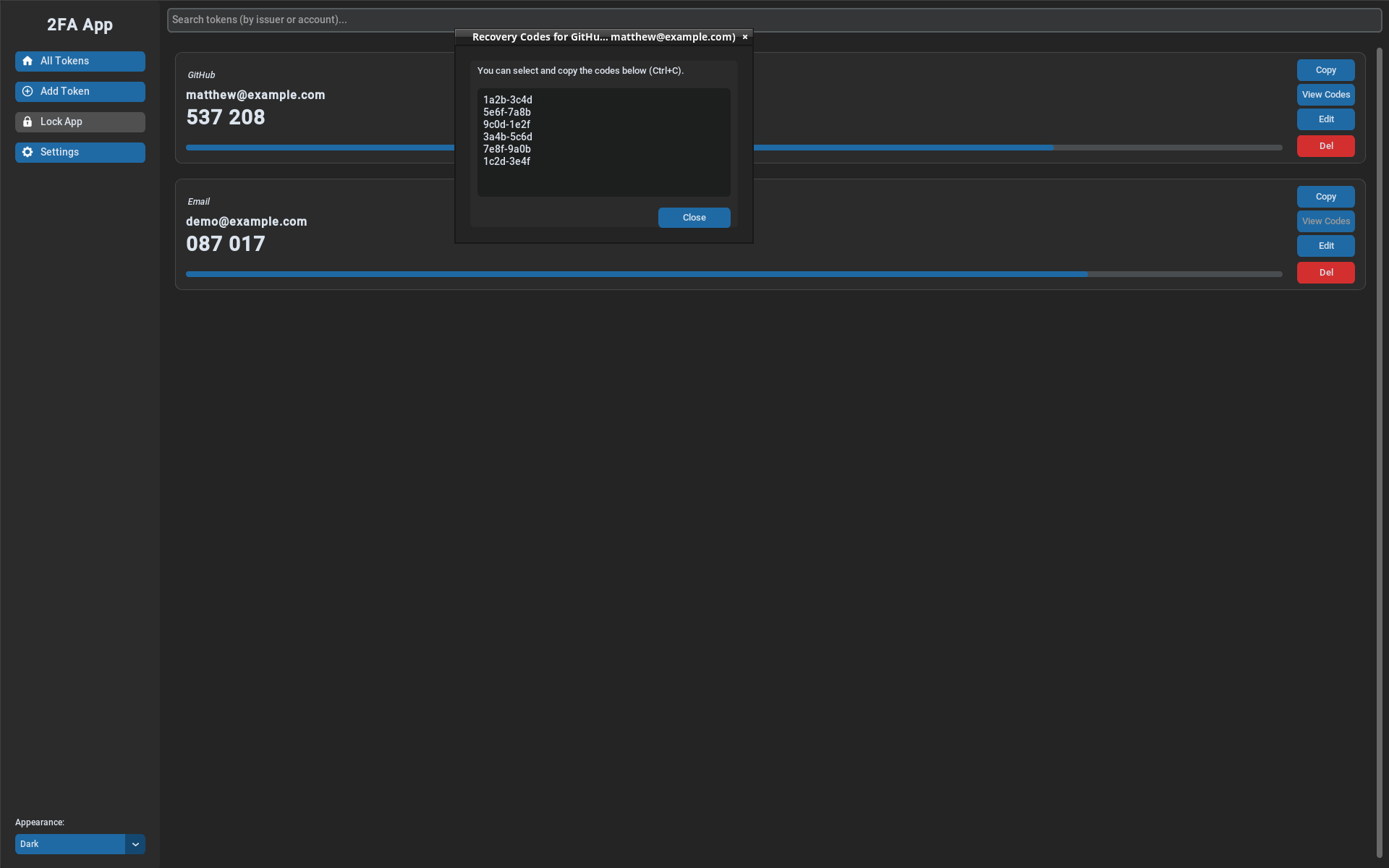
4 / 6
Recovery codes
Recovery codes are stored encrypted with each token and can be viewed and copied when you need them.
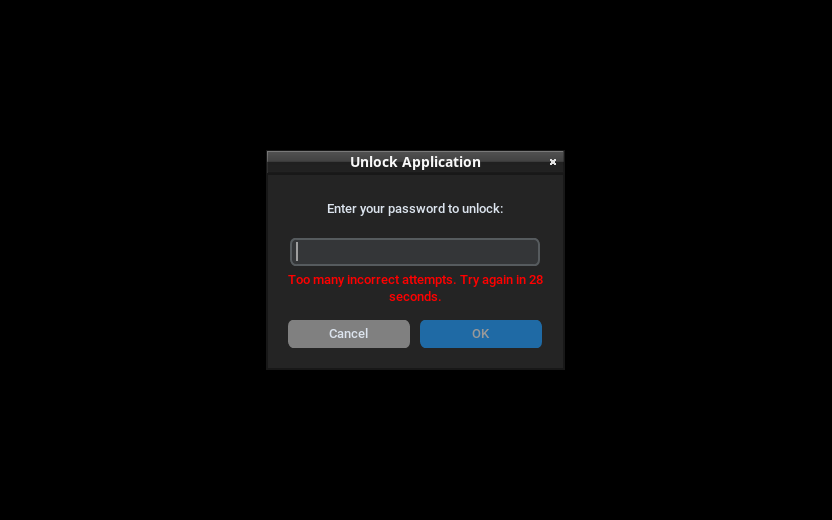
5 / 6
Wrong-attempt lockout
After 3 wrong passwords the app makes you wait 30 seconds, doubling with each further wrong attempt up to 15 minutes. While it's locked, the main window is hidden and the decryption key is discarded.
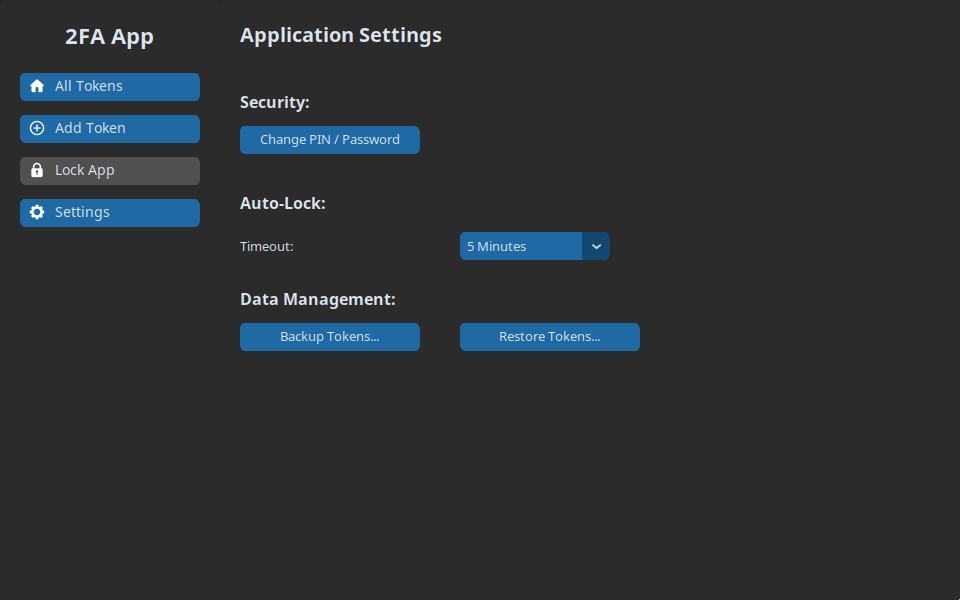
6 / 6
Settings
Change your PIN or password, set the auto-lock timeout, and back up or restore tokens with a separate backup password.
The accounts shown are example.com demo accounts, and the secret key and recovery codes are made-up examples. Click a screenshot to open it full size. Use the arrows, or select the gallery and press ← →.
How it works
- Choose a PIN or password on first launch: a password of 8+ characters (recommended) or a numeric PIN of 6+ digits.
- Encrypt each token with AES-256-GCM using a random data key. That data key is itself encrypted with a key derived from your PIN or password using scrypt (N=217, r=8, p=1, the OWASP recommendation).
- Store the encrypted tokens and encrypted data key in the OS credential manager under random IDs, so the entries don't reveal which services you use.
- Unlock to see live codes. Locking, manually or after inactivity, discards the decryption key and decrypted tokens.
- Release builds are made by GitHub Actions, which runs the tests first and publishes a SHA-256 hash and a build attestation with each Windows download.
Security decisions
- Envelope encryption with key rotation. Changing your PIN or password moves every token to a new data key, so an old copy of the keyring plus the old PIN can't read your tokens as they're stored now.
- Wrong-attempt lockout. After 3 wrong attempts the app waits 30 seconds, doubling up to 15 minutes. The count is kept in the keyring, so restarting doesn't reset it.
- Encrypted backups. Backups use AES-256-GCM with a key from a separate backup password (PBKDF2-SHA256, 600,000 iterations).
- No planted entries. Once older tokens are migrated to encryption, unencrypted keyring entries are rejected so they can't be slipped in.
- Single instance. Only one copy can run, so a second window can't keep writing tokens with a PIN or password that was just changed.
- Honest limits. The README explains what encryption can't stop, like offline guessing of a short PIN or malware reading memory while the app is unlocked, and recommends a password over a PIN.